
Account impersonation
Your Outlook password expires in 2 days | Review of an Outlook password-expiry phish
A short email urges an update before the password supposedly expires in two days. It invokes Outlook, but the update button points to an external form service.
Public EML case analysis · An archived 2025 message
There is little explanation in this message: a password supposedly expires in two days, and a button demands an immediate update. The public sample carries a date of 2025-09-17. Before reacting to the deadline, it helps to check where that update is meant to happen.
An excerpt from the message
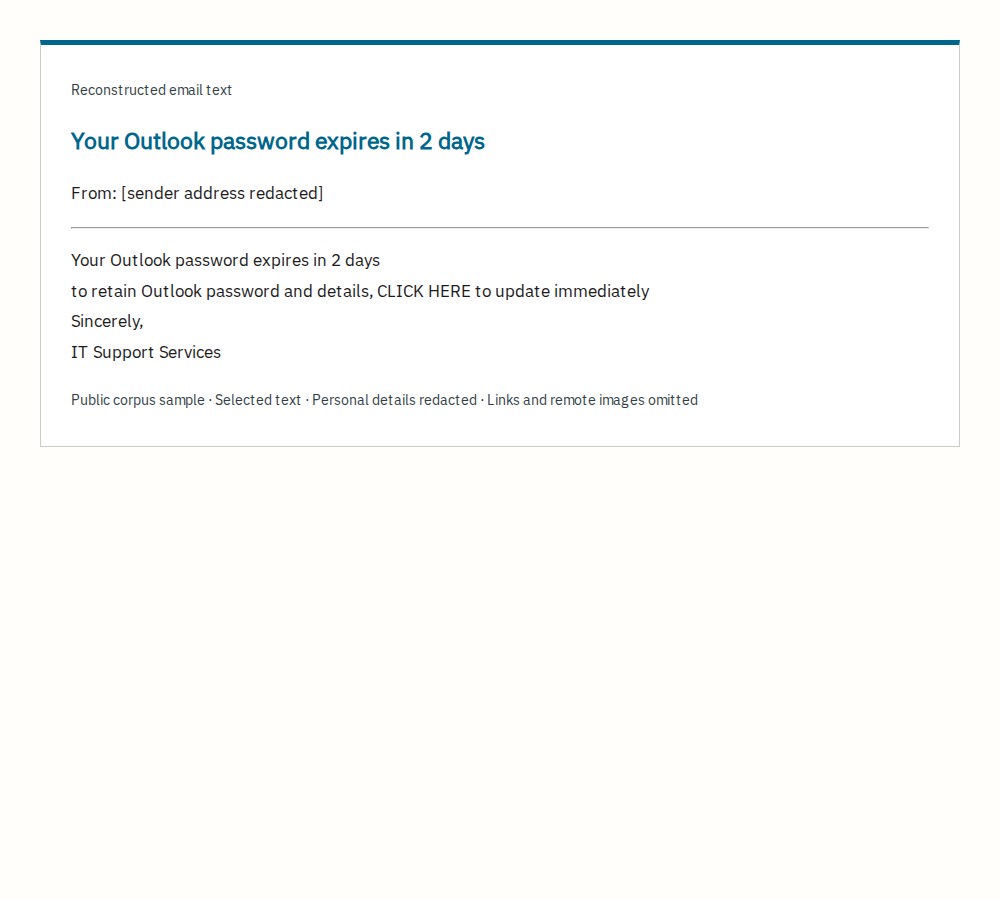
Selected text from the public EML, reconstructed for this article. Personal details are redacted; working links and remote images are omitted. This is not a screenshot of the original inbox. The original English is retained.
A brief warning pointing to an external form
The From address uses nou[.]sk, while the signature claims to represent an IT support department. The CLICK HERE button points to app[.]formly[.]so. The body does not explain how that external form service relates to managing the recipient's Outlook password.
This does not establish that the form service itself is malicious. The concern is a sensitive account-management request with little explanation of the sending organization or verification route. The sample does not tell us whether the account actually had a password-expiry policy.
Our inspection stops at the embedded address
The saved headers record spf=pass, dmarc=pass and dkim=none. These are recorded authentication results, not proof that the claimed support department is genuine. We also do not attribute the message to the owner of the sender domain.
We did not open the form, so we have not established whether it requests a password or redirects elsewhere. The assessment rests on the request, sender information and embedded link.
Use a familiar account-management route
For a work or school account, check the expiry through your usual account-management page or an IT contact you already know. Do not enter a password through the suspicious message's link. Microsoft's guidance below explains how to report phishing in Outlook.
Source and scope
This case uses a message extracted as EML from the 2025 Jose Nazario phishing corpus. It is a public collection sample, not an email submitted by a reader to this site. Dates refer to the message's Date header, not an independently established incident date.
We inspected saved headers, body text and embedded addresses without visiting destination sites. The selected message has no document attachments. The reconstruction removes personal details and excerpts the body; the Korean and English explanations are our own. The corpus is provided under CC BY 4.0.