
Work & documents
DocuSign payment confirmation | Review of a DocuSign payment-confirmation phish
This message asks the recipient to review and sign a document to confirm payment. The body gives little context about the transaction or counterparty, and its document button points to a different domain.
Public EML case analysis · An archived 2025 message
A request to sign a new document can look routine at work. This message asks the recipient to open one to confirm payment. The public sample carries a date of 2025-12-11. The short body emphasizes the brand and document button while offering little detail about the transaction.
An excerpt from the message
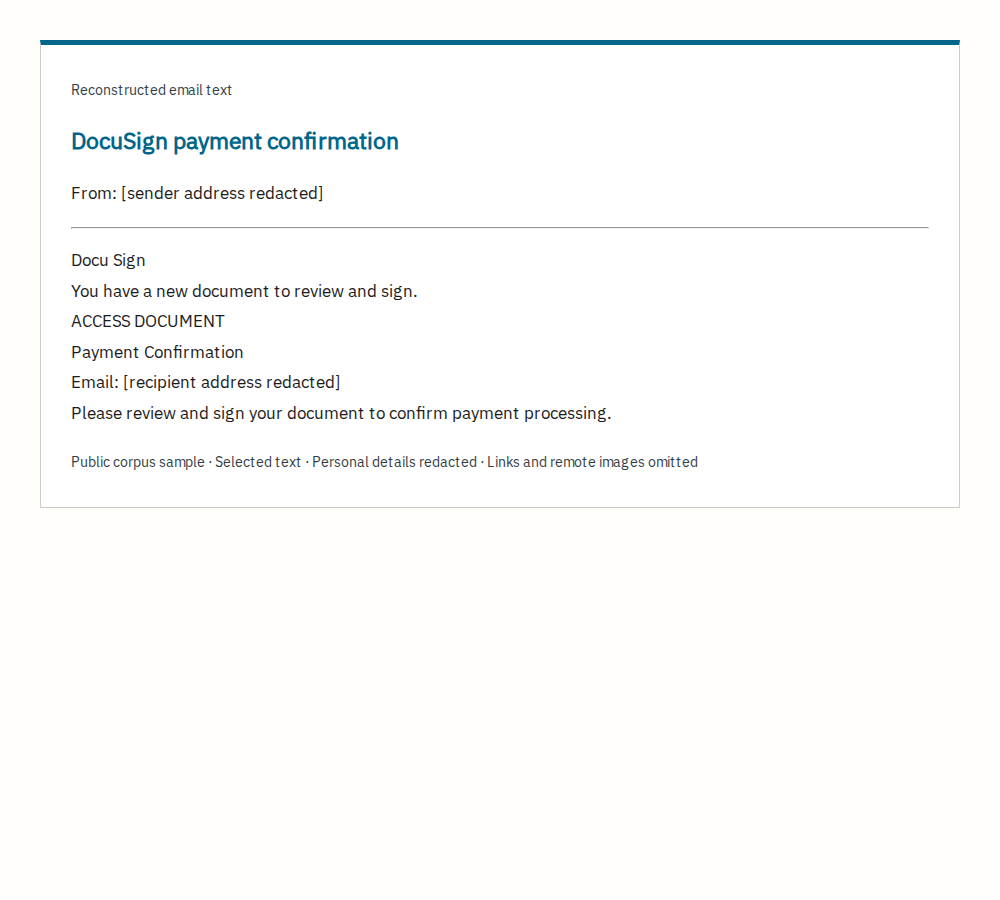
Selected text from the public EML, reconstructed for this article. Personal details are redacted; working links and remote images are omitted. This is not a screenshot of the original inbox. The original English is retained.
Inspecting the button behind the signature request
The From address uses gori1lapapers[.]com. The ACCESS DOCUMENT button points to unicorndisplay[.]com, a different host from the electronic-signature service invoked by the message.
The body includes a request to review and sign for payment processing, plus the recipient's address. It gives little explanation of the counterparty or payment. That observation applies only to the email: we cannot say the linked document lacks details when we have not opened it.
The signature request has not been authenticated
The public corpus classifies the message as phishing. Our suspected-phishing assessment considers the sender, action-link host and limited transaction context. We do not know whether the recipient was expecting a legitimate signature request.
The headers record spf=pass, dkim=pass and dmarc=pass. We did not reverify those saved results or treat them as proof of the counterparty's identity or the document's legitimacy. We did not open the site and cannot confirm a subsequent login page or data collection.
Confirm with the counterparty through an established contact
If you were expecting an electronic-signature request, ask your existing contact to confirm the document and whether they sent it. Use an established contact route rather than new details in the email. The Docusign Safety Center explains how to check and report suspicious documents and messages.
Source and scope
This case uses a message extracted as EML from the 2025 Jose Nazario phishing corpus. It is a public collection sample, not an email submitted by a reader to this site. Dates refer to the message's Date header, not an independently established incident date.
We inspected saved headers, body text and embedded addresses without visiting destination sites. The selected message has no document attachments. The reconstruction removes personal details and excerpts the body; the Korean and English explanations are our own. The corpus is provided under CC BY 4.0.